
“The network is down” describes a symptom, not a diagnosis. Narrow it down to something repeatable, then collect evidence along the path before changing configuration. This guide explains a troubleshooting approach; it is not a client case study.
Define the symptom
Record the source, destination, protocol, ports, timing and impact. Is the fault constant or intermittent, one-way or bidirectional, limited to certain traffic? One successful ping does not prove every application works, and one failed ping does not prove a routing fault.
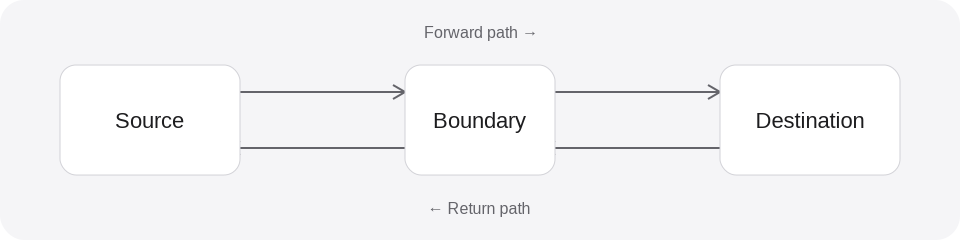
Start at both ends of the path
Check interfaces, the source gateway and destination routes, then verify the return path. Specify a source address so automatic interface selection does not skew comparisons. Ping tests reachability and traceroute provides path clues; a hop ignoring probes does not necessarily mean it drops application traffic.
! Cisco IOS lab example; check commands against your software version
show ip interface brief
show ip route 192.0.2.10
ping 192.0.2.10 source 192.0.2.1
traceroute 192.0.2.10
These examples use documentation address ranges. Verify syntax and behavior in an authorized lab; do not paste them into production devices.
Compare evidence, not isolated snapshots
Compare interface, adjacency, routing, policy-hit and counter information during normal operation and during the fault. Give each hypothesis a test: check the return route if you suspect a missing path, or look for matching deny evidence if you suspect a policy block.
Make configuration changes last
Once the evidence supports a specific hypothesis, plan the smallest change. Confirm authorization, backups, impact and rollback before execution, then retest with the same source, destination and application conditions. Changing several things at once makes it difficult to know what affected the result.
A useful troubleshooting record lets another engineer see what was observed, what was ruled out and why a particular change was chosen.